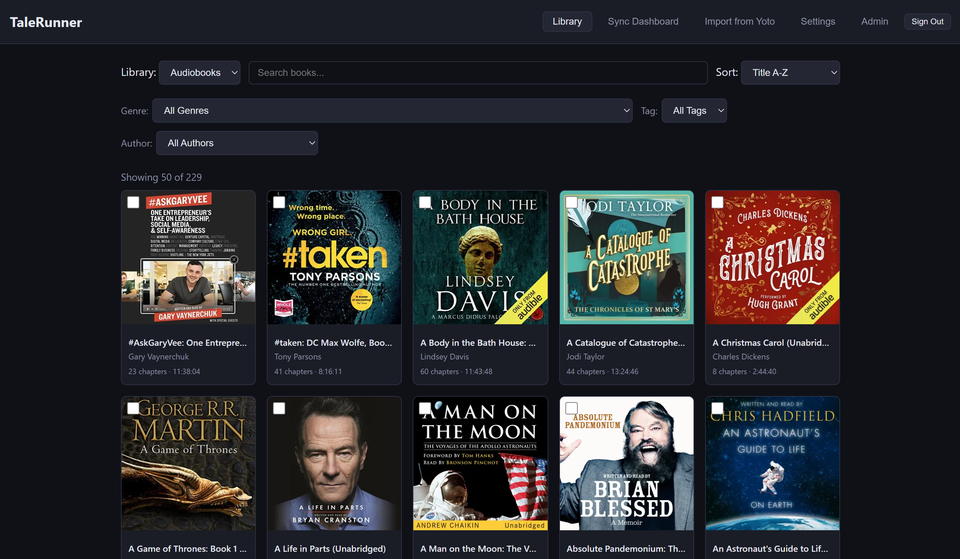
Browse Your Audiobookshelf Library
Connect your Audiobookshelf server and browse your entire audiobook collection. Search, filter by genre or author, and assign any book to a Yoto MYO card with one click.
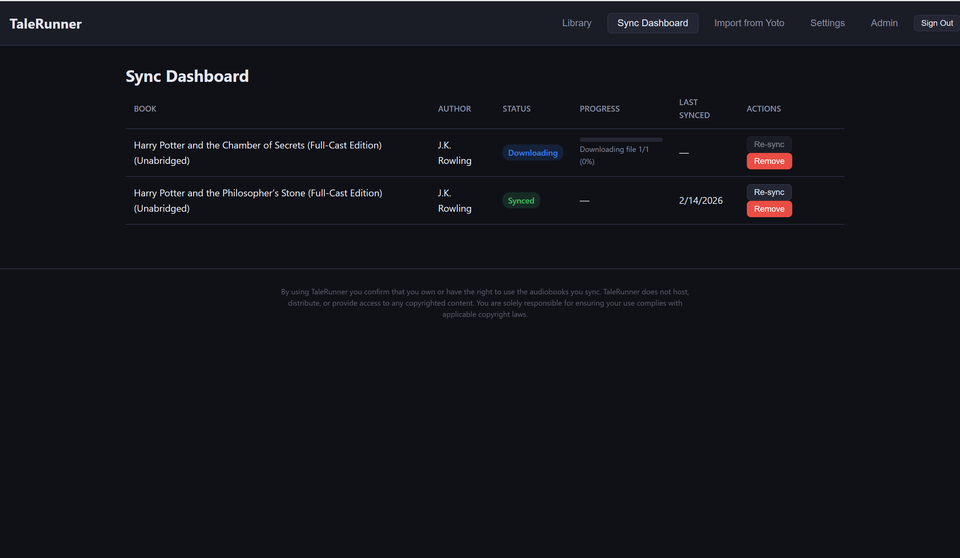
Automatic Chapter Splitting & Sync to Yoto
TaleRunner downloads your audiobooks from Audiobookshelf, splits them into chapters, and uploads them directly to your Yoto MYO cards. Review titles and cover art before pushing. No manual file juggling.
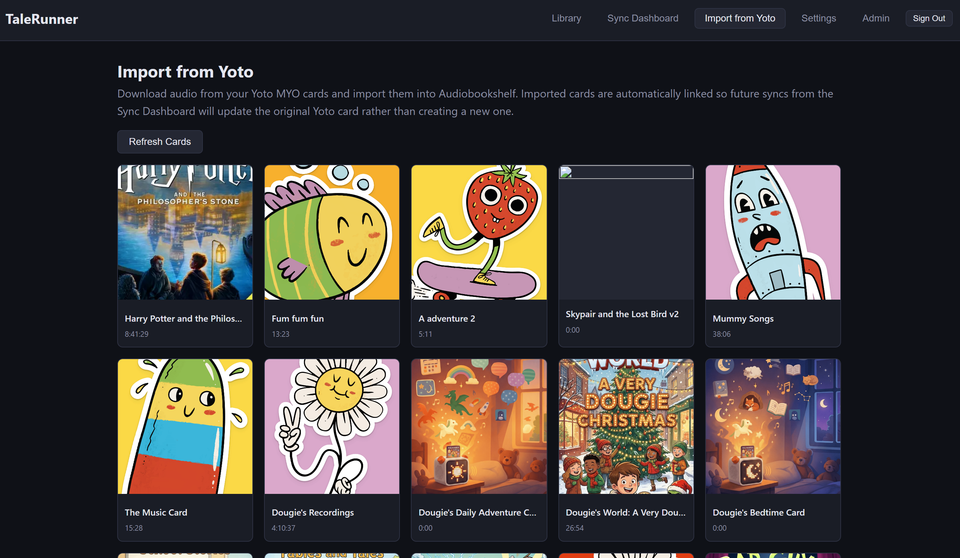
Import Audio from Yoto MYO Cards
Already have audio on your Yoto MYO cards? Import them back into your Audiobookshelf library to keep a backup. Imported cards stay linked so future syncs update the original card instead of creating duplicates.
Back Up & Restore Your Yoto MYO Playlists
Never lose a playlist. TaleRunner backs up every track, chapter title, icon, and cover image from your Yoto MYO cards to the cloud. Restore any version to a new or existing card with one click.
- Cloud backup of all MYO card playlists, tracks, and metadata
- Version history — roll back to any previous snapshot
- Restore to a new card or overwrite an existing one
- Automatic scheduled backups (daily or weekly)
- Local ZIP download of all cards on the free plan
- Available on the Pro plan for $5/month
Multi-User & Your Data, Your Control
Multiple family members can each connect their own Yoto and Audiobookshelf accounts. Admin tools let you monitor usage, manage caches, and track sync jobs across all users. And if you ever want to leave, you can permanently delete your account and all data from Settings.
- Multi-user with individual Yoto & Audiobookshelf accounts
- Automatic chapter splitting with FFmpeg
- Cover art and chapter title editing before upload
- Two-way sync: export to Yoto and import back to Audiobookshelf
- Delete your account and all data at any time